Mountain Duck
Mountain Duck is commercial software you can use to mount Simple Object Storage on Windows and Mac as a storage extension to their local machine. This guide shows you how to set up Mountain Duck for Exoscale.
Prerequisites
Before you start this guide, you will need to:
Create a SOS Bucket, either via the Portal or the CLI. See the Simple Object Storage documentation for more information.
Create an IAM key, also via the Portal or the CLI. See the IAM documentation for more information.
Set Up Mountain Duck
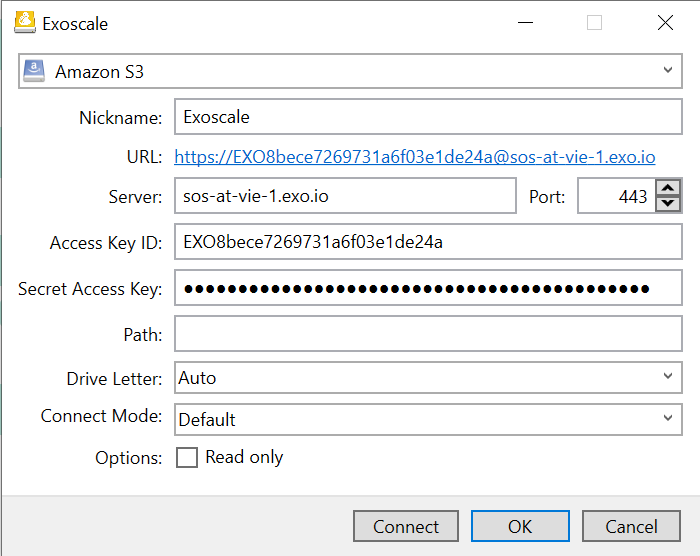
Open the Mountain Duck app. Select Amazon S3. For the endpoint, enter
sos-ZONE.exo.io. Make sure to substitute ZONE with the relevant zone.
NOTE
You can find all Exoscale zones on our website or with the CLI command:exo zones list.
Enter your credentials (the IAM key you have previously created). Then click Connect.
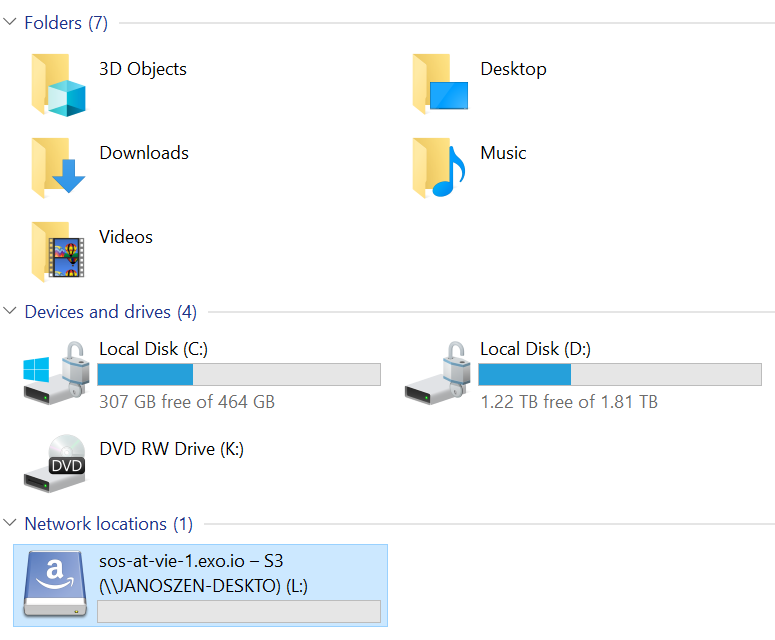
Exoscale Simple Object Storage is now visible in the Explorer as a drive.