Diagram Libraries
The Exoscale drawio-library repository offers three categories of icon libraries to help you create clear architecture and infrastructure diagrams with draw.io. These libraries work with both the draw.io Desktop app (Linux, macOS, Windows downloads) and the online tool at app.diagrams.net.
Note
For a detailed guide on using custom libraries, see this blog post.
Library Categories
- Exoscale Products
Official product logos. - Exoscale Icons
Variations of official product logos (black, red, and white line styles). - Generic Icons
General-purpose symbols (e.g., server, router, switch) for larger or cross-platform diagrams.
Exoscale Products
- File:
exo-ico-lib.xml
Contains the official product logos.
Exoscale Icons
- Files:
exo-ico-lib_<color-code>.xml
Contains icon variations in different color codes:
<color-code> | Color |
|---|---|
_b | black-line |
_r | red-line |
_w | white-line |
Note
Find an up-to-date overview of product icon variations in the Icon-Overview.
Generic Icons
- File:
gen-ico-lib.xml
Contains general-purpose icons.
Installation
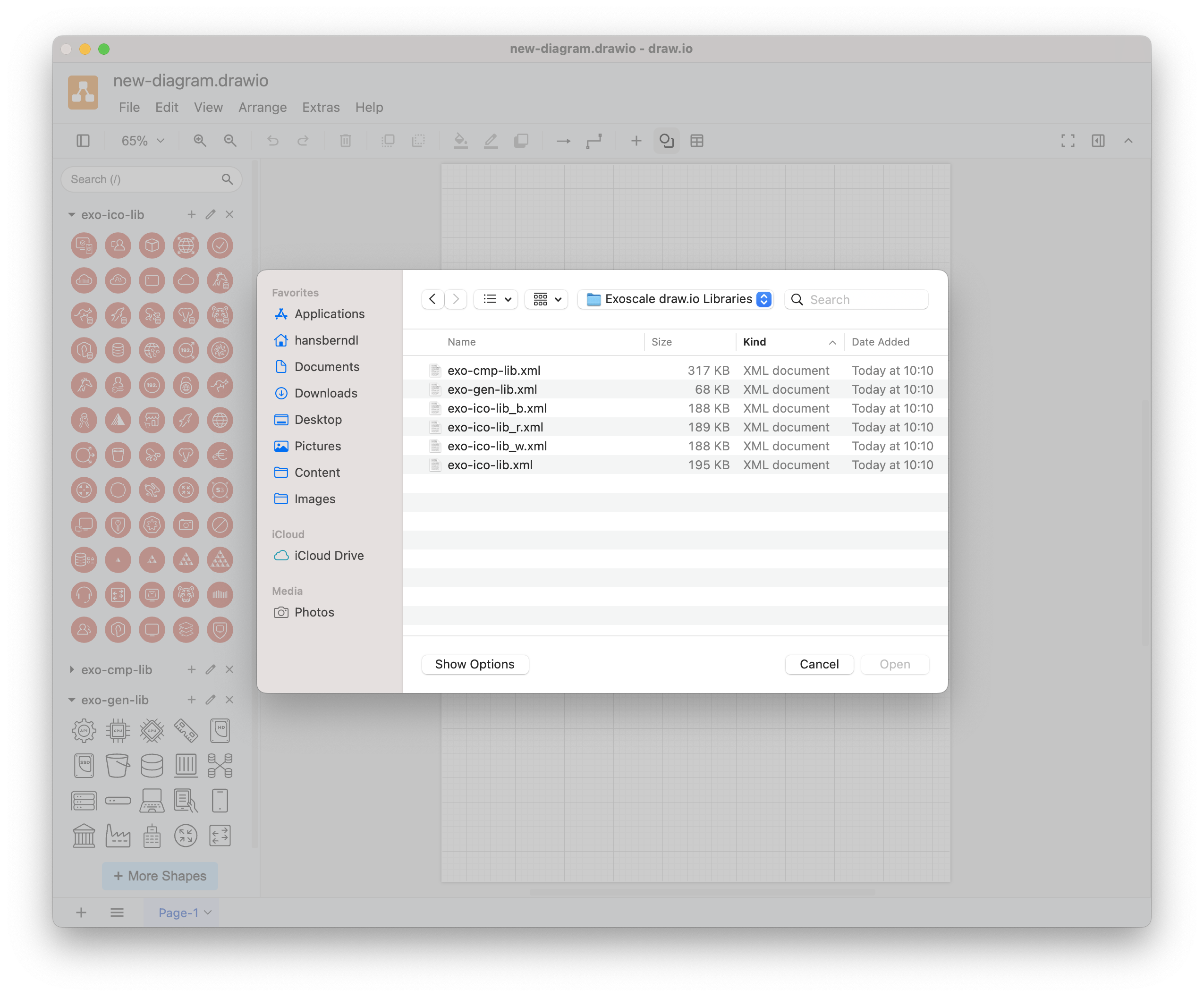
- Download the icon archive from GitHub.
- In draw.io, use the
Open Library...command from theFilemenu.
Usage
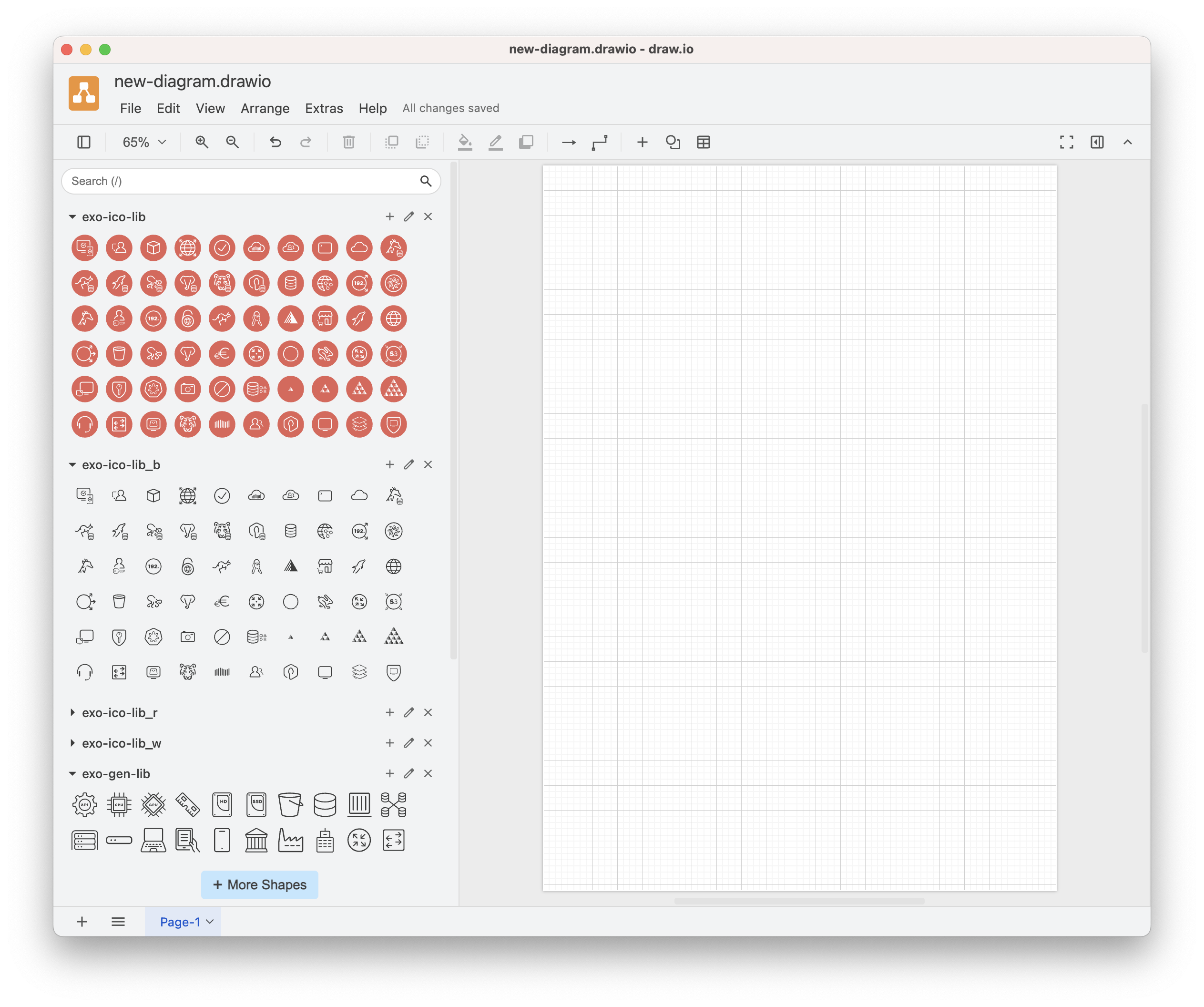
Once loaded, the icons will appear in the left panel. Click any icon to place it on your canvas. Icons are proportionally sized for consistent diagrams.
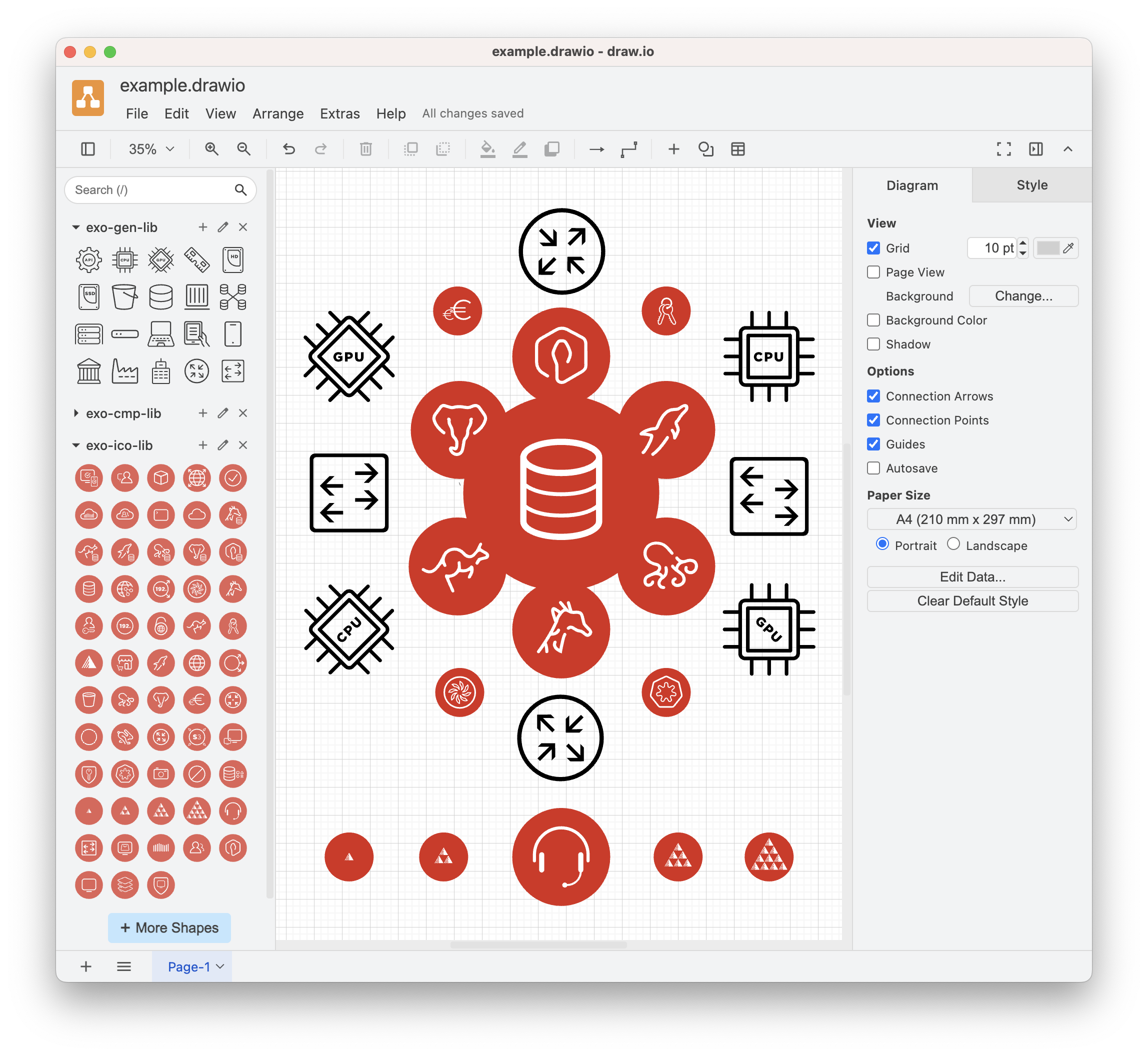
Example
Last updated on